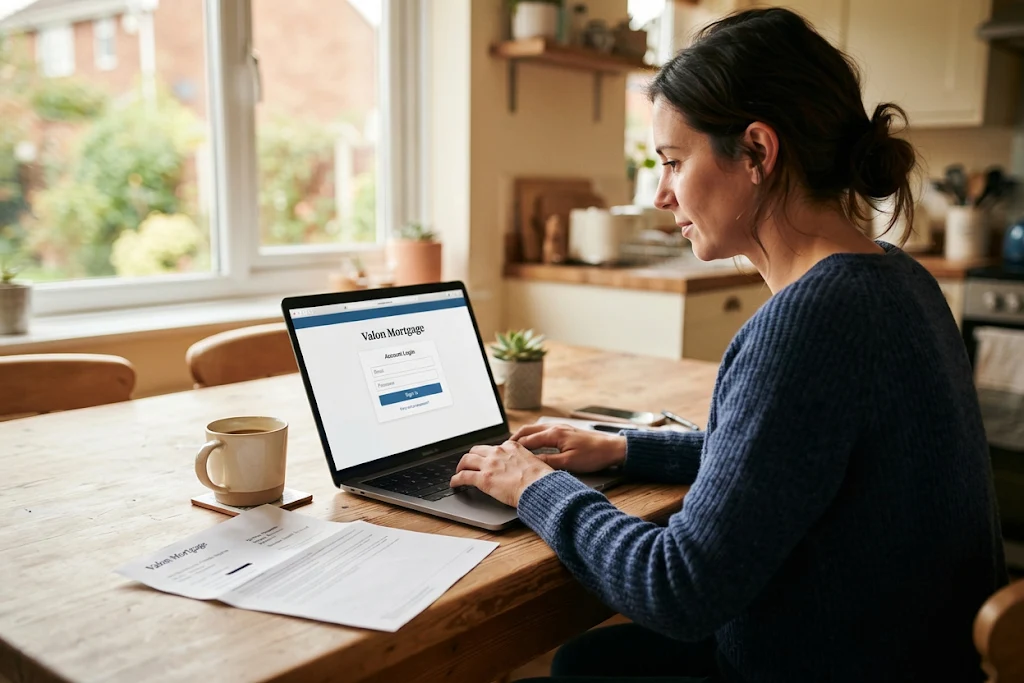
If a letter just told you your home loan is moving to a new servicer, you probably have one question: how do I get into my account and pay on time? Here’s the short answer. You register for a Valon Mortgage online account at valon.com/transfer, on or after your transfer date, using your loan number and your Social Security number. Once you’re registered, you sign in from valon.com.
Most of the trouble people run into comes from timing or a mixed-up loan number, not from the website. This guide covers the steps, what to have ready, how the 2026 Carrington ownership change affects your login, and what to do when something won’t work.
Quick Answer: Where to Log In and What You Need
| What you want to do | Where to go | What you’ll need |
|---|---|---|
| Create your account for the first time | valon.com/transfer | Loan number (new or old) and Social Security number |
| Sign in to an existing account | valon.com | Email and password you set up |
| Find help articles | help.valon.com | Nothing, it’s public |
One important rule: you can’t register before your transfer date. Your loan information usually isn’t in the system yet, so the site won’t find you.
Who Valon Mortgage Is (and Why You’re Hearing From Them)
Valon Mortgage is a mortgage servicer. A servicer doesn’t own your loan or set its terms. It collects your monthly payment, runs your escrow account for taxes and insurance, and answers your questions.
Loans get moved between servicers all the time, often without the homeowner asking for it. When that happens, your interest rate, balance and loan terms stay the same. What changes is who you pay, your loan number and the website you use.
The 2026 Carrington change
In August 2026, Carrington Mortgage Services completed its purchase of Valon Mortgage. If you already had an online account, the good news is simple. According to Valon’s Carrington transfer FAQ, the website and password stay the same, AutoPay keeps running, and checks made out to either company are accepted during the transition.
What you will notice is the name. Starting August 1, 2026, Carrington’s name appears on statements, emails and the online account, and Carrington becomes your main contact for mortgage questions. So if you sign in and see Carrington branding, that’s expected. It isn’t a sign you’re on the wrong site.
Before You Register: Gather These Three Things
Having these ready turns a frustrating 20 minutes into a two-minute job.
- Your transfer date. It’s in the “goodbye letter” from your previous servicer. Registration won’t work before this date.
- A loan number. Either your new Valon Mortgage loan number or the one from your old servicer will work.
- Your Social Security number. It’s used to confirm you’re the borrower.
Where to find your new loan number
Your new loan number is usually in:
- The welcome letter or welcome email sent after your transfer date
- Your first statement from the new servicer
- Sometimes the goodbye letter from your old servicer, though many don’t include it
If you can’t find it, don’t wait. The registration page accepts your old servicer’s loan number too.
How to Register Your Valon Mortgage Account, Step by Step
Valon’s official registration help article lays out a short process. Here it is in plain terms, with a few practical notes added.
- Check the calendar. Make sure today is on or after the transfer date in your goodbye letter.
- Go to valon.com/transfer. Type the address yourself instead of clicking a link in an unexpected email or text.
- Enter a loan number. Use the new one or your old servicer’s. Double-check every digit before you submit.
- Enter your Social Security number to confirm your identity.
- Set up your sign-in details. Use an email address you check often, because account and payment alerts will go there.
- Add your bank account. You’ll need this before you can make an online payment or turn on AutoPay.
What to do right after you register
People often skip these, and they matter more than the login itself:
- Turn on AutoPay or schedule your first payment. AutoPay set up with your old servicer usually doesn’t carry over to a new one, so check this yourself.
- Choose paperless or paper statements. Some homeowners never set this and then wonder why nothing arrives in the mail.
- Update your bank’s BillPay. If you pay through your bank’s bill-pay feature, change the payee and enter your new loan number as the account number.
- Save the help center address (help.valon.com) so you’re not searching for it later.
How to Sign In After You’ve Registered
Once your account exists, signing in is like any other website:
- Go to valon.com and choose the sign-in option.
- Enter the email and password you created.
- Complete any security check the site asks for.
If you were already a customer before the Carrington deal, you don’t need to sign up again or change your password.
Forgot your password?
Use the password reset option on the sign-in screen. The reset email normally arrives within a few minutes. If it doesn’t:
- Check your spam or promotions folder
- Make sure you’re entering the same email you registered with
- Wait a few minutes before asking for another reset, since several reset links sent close together can cancel each other out
Common Login Problems and Fixes
| Problem | Likely cause | What to try |
|---|---|---|
| “Loan not found” during registration | You’re trying before your transfer date | Wait a few days after the transfer date and try again |
| Loan number rejected | A typo, or using a number from the wrong letter | Re-enter it slowly, or try your old servicer’s loan number |
| Can’t log in after the Carrington change | Usually a mistyped password or old bookmark | Your password hasn’t changed. Reset it if needed and go to valon.com directly |
| Reset email never arrives | Spam filter or wrong email | Check spam, confirm the email address, then contact support |
| Account shows no payment history | Older payments sit with your old servicer | Download past statements from your previous servicer’s site before access ends |
If none of these work, contact customer support through the help center. Have your loan number and transfer date in front of you when you call.
Missed a Payment During the Switch? Don’t Panic
Transfers are when payments most often go to the wrong place. A few protections help:
- Payments sent to your old servicer within 60 days of the transfer date get forwarded to the new one, according to Valon’s loan transfer overview. Forwarding takes time, though, so pay the new servicer directly starting on your transfer date.
- No late fees or negative credit reporting for the first two months after a transfer to Valon Mortgage, under the same policy.
These protections are a safety net, not a reason to wait. Set up your new payment as soon as you can register.
Keep Your Mortgage Account Safe
Loan transfers are a popular time for scams, because homeowners are expecting new letters and new payment instructions. A few habits protect you:
- Type the web address yourself. Don’t sign in from a link in an unexpected text or email.
- Be suspicious of new payment addresses. If a message says to send money somewhere unfamiliar, check it against your official transfer letters or call the number on your statement.
- Never share your password or one-time codes. A real servicer won’t ask for them by phone.
- Look for a matching notice. A real servicing transfer normally comes with written notices from both the old and new servicer.
If something feels off, stop and verify before you pay. A day’s delay is easier to fix than money sent to a scammer.
What You Can Do Once You’re Logged In
Your online account is where most routine tasks happen. Depending on your loan, you can usually:
- Make one-time payments or manage AutoPay
- View statements and your payment history
- Check your escrow balance for property taxes and insurance
- Update your contact details and notification settings
- Give a trusted person, such as a spouse or housing counselor, permission to discuss your account
If you have a HELOC with the same servicer, it has its own help section covering draws and payments, so look there for anything specific to it.
Final Thoughts
Getting into your Valon Mortgage account comes down to timing and the right number. Wait until your transfer date, register at valon.com/transfer with either loan number and your Social Security number, and set up your payment right away. If you were already a customer before Carrington took over in 2026, you sign in exactly as before. When something doesn’t work, go back to your transfer letters before calling support. The answer is usually in there.
FAQ
Can I register for Valon Mortgage before my transfer date?
No. Your loan details usually aren’t in the system until the transfer date, so registration won’t work until then. Try again on or after that date.
Do I need my new loan number to sign up?
No. The registration page accepts either your new loan number or the one from your previous servicer.
Did my login change after Carrington bought Valon Mortgage?
No. According to Valon’s transfer FAQ, the website, sign-in process and password stay the same. You’ll see Carrington’s name on your account and statements.
Will my AutoPay keep working?
If you set up AutoPay with Valon Mortgage, it keeps running through the Carrington transition. AutoPay set up with an earlier servicer usually doesn’t carry over, so check and set it up again if you need to.
What if I already sent a payment to my old servicer?
Payments sent to your previous servicer within 60 days of the transfer date are forwarded. Watch your new account to confirm the payment posts, and pay the new servicer directly from then on.